Grok · Grok Bot · 23 Oct 2026
Grok Bot can now use your phone's Calendar, Messages, Contacts and Home apps. Here's what each permission unlocks
Grok Bot just got a lot closer to the stuff you actually keep on your phone. On Thursday evening, the official @bot account said the Bot can now use Calendar, Reminders, Contacts "and more apps" on your phone, rolling out now on iOS and Android. The permission screen in the post lists six apps, including Messages and smart home controls. Here's what each one unlocks, what's actually new compared with connectors, and what hasn't been said yet.
On this page
Grok Bot can now use Calendar, Reminders, Contacts, and more apps on your phone.
— Grok Bot (@bot) October 22, 2026
Rolling out now on iOS and Android.
What was announced
The @bot post went up on Thursday, Oct. 22, at : "Grok Bot can now use Calendar, Reminders, Contacts, and more apps on your phone. Rolling out now on iOS and Android." By early Friday it had passed 360,000 views and 1,700 replies, by X's count.
"Rolling out" means this is a staged release, not something everyone has yet. If you don't see the new options, it may just not have reached your account.
The six apps, and what each one lets the Bot do
The post's text names only Calendar, Reminders and Contacts. The image attached to it shows a phone permission list with an Allow button next to six apps. Here's each one, with the one-line description shown in that image and what it could mean in practice:
| App | Description in the @bot image | What that could look like |
|---|---|---|
| Messages | "Read and send messages" | "Text Sam I'm running 10 minutes late." This is the most sensitive of the six. |
| Location | "Find places near you" | "Find a pharmacy open now near me." |
| Calendar | "See your day and add events" | "Am I free Thursday afternoon? Book coffee with Sam at 3." |
| Home | "Control lights, locks and more" | "Turn off the downstairs lights and lock the front door." |
| Reminders | "Set and check reminders" | "Remind me to call the garage when I get to work." |
| Contacts | "Find and add contacts" | "What's Sam's number? Save this plumber as a contact." |
Because each app has its own Allow button in that screen, it looks like you'll choose how much of your phone the Bot can reach. You could turn on Calendar and Reminders, for example, and leave Messages and Home off.
Why this is a bigger deal than it sounds
Until now, Grok Bot reached your life mostly through connectors, meaning account logins for services like Gmail, Google Calendar, Slack and GitHub. Thursday's changelog (v0.75.2) even improved the Google Calendar connector so the Bot can create, update or delete several events in one step. But connectors only cover services that have one.
Phone access works from the other direction. Your phone's Calendar and Contacts apps already pull together everything synced to the device: iCloud, Google and work accounts in one place. My read is that one permission could get the Bot the whole picture, with no need to connect each account separately. That would be especially useful for iPhone owners whose calendar lives in iCloud rather than Google.
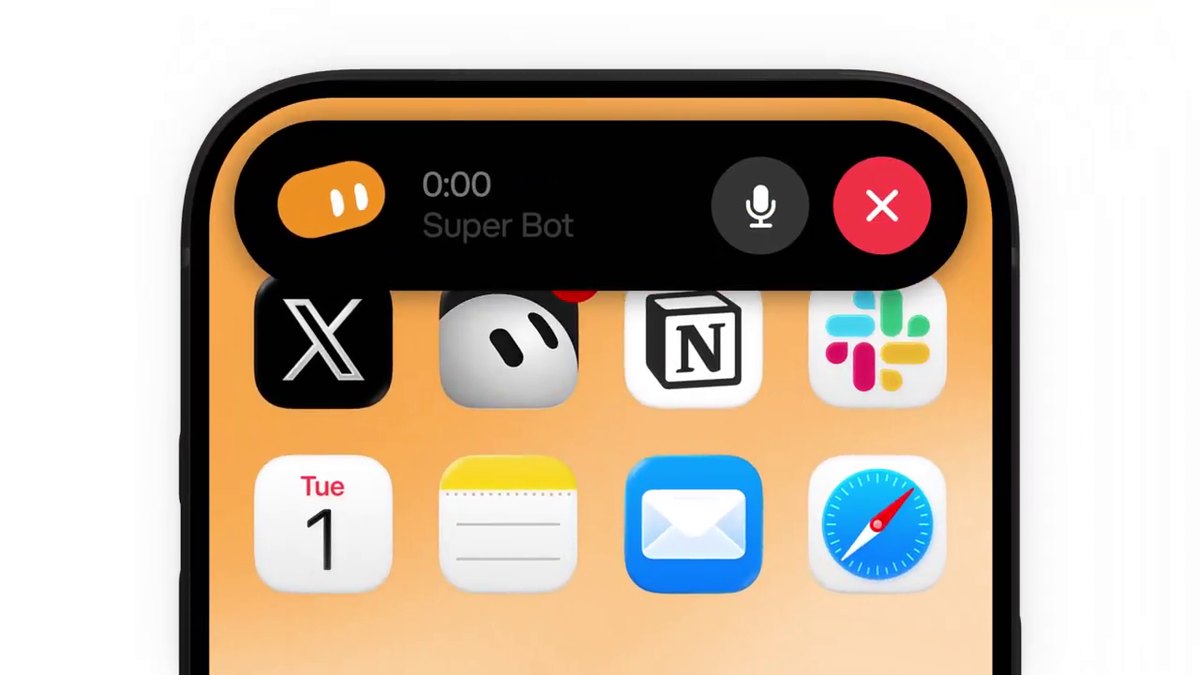
It also caps a busy run for the Bot on phones. On Monday, Grok Bot came to the iPhone Action Button for one-press voice chats, and last Friday the official account said it was faster and could read your X DMs. Put those together and the pitch is clear, if it works as the permission screen suggests: press a button, say "move my 3pm and tell Sam," and the Bot checks your calendar, moves the event and sends the text.
What hasn't been said yet
- Which apps work on which phone. The post says iOS and Android, but not whether all six apps are available on both. Phone makers allow different things. On iPhone, for example, Apple's standard texting tool for other apps opens a pre-filled message that you send yourself, so how "read and send messages" works there is still an open question.
- Which version you need. No app version was named, and the Grok Bot mobile docs didn't list the new permissions when I checked early Friday. They still list iOS 18 or later, or Android 9 or later, as the basic requirement for the app.
- Which actions need your OK. The changelog says Bots check for your approval before actions they can't undo, such as sending, and email and Slack messages arrive as drafts you send. It hasn't been said whether a text sent from your phone or a door unlocked through Home gets the same confirmation step.
Bottom line: these permissions are the difference between a Bot that only lives in the cloud and one that can run your day from your pocket. Turn them on one at a time, starting with Calendar and Reminders, and save Messages and your front door lock for when you trust what it does.
Sources: Grok Bot (@bot) on X (22 Oct 2026); Grok Bot changelog, v0.75.2 (22 Oct 2026); Grok Bot for Mobile docs (checked 23 Oct 2026); Apple Developer, MFMessageComposeViewController. The app-by-app examples and analysis are my own. Image: Grok Bot (@bot), shown via the embedded post.
— Alex R